Jellyfin is free, open-source media server software. You install it on a computer or NAS that holds your movies and shows, and it turns those files into a private streaming service with posters, descriptions and resume points. You then watch on your TV, phone or tablet through a Jellyfin client app.
How does Jellyfin work?
Jellyfin is a server and client system, and the split explains most of what confuses people when they start:
- The server holds your library. It runs on a machine you own, such as a desktop PC, a Mac, a NAS or a small home server. You point it at folders of video, and it scans them, downloads artwork and descriptions, and remembers what everyone has watched.
- Clients play it. A client is the app on the screen you actually watch: Apple TV, an Android TV, an iPhone, a web browser. It signs in to your server, shows the library, and streams the video from it.
- Transcoding happens in between. When a device cannot play a file as it is, the server converts it on the fly to a format the device can play. A capable graphics chip on the server makes this much lighter, and in Jellyfin hardware transcoding is part of the free software, not an upgrade.
Because the two halves are separate, you can mix and match: one Jellyfin server can feed the official Jellyfin apps, community apps and independent clients at the same time, and changing the app on your TV never touches your files.
Is Jellyfin free?
Yes, completely. The project describes the server and its official clients as free to download, "now and always", and its documentation says there are no premium licenses or features. Jellyfin is built by volunteers and has no paid tier, no ads and no subscription. Your costs are the hardware and storage it runs on, plus your own time to set it up.
That is the main difference from Plex, which has a free tier and paid plans. Our Jellyfin vs Plex comparison goes through the trade-offs in detail.
Is Jellyfin legal?
Yes. Jellyfin itself is legal software, published under the GNU General Public License (GPL-2.0) and developed in the open on GitHub. Installing it, running it and sharing your server with your household is no more questionable than running any other media player.
What decides whether a library is legal is what you put in it. Home videos, recordings you made and media you have the rights to are fine. Downloading or sharing pirated movies is illegal whether they sit in Jellyfin, in Plex or in a folder on your desktop. Rules on copying discs you bought also vary by country; in the United States, for example, breaking a disc's copy protection can itself be restricted. Jellyfin ships no content and points you to none.
What is a Jellyfin server, and what can it run on?
The Jellyfin server is the program that does the organizing and streaming. jellyfin.org offers it for Linux, Windows, macOS and Docker. Docker is the usual route on a NAS, because most current NAS systems can run containers; our step-by-step guide covers installing Jellyfin with Docker on a NAS or PC.
Once it is running, a short setup wizard in your browser asks for a language, creates the administrator account, adds your media folders as libraries, sets the metadata language and configures networking. The server only needs to be on while people are watching, but most people leave it running.
A Jellyfin server you only reach at home answers on an address like http://192.168.1.20:8096. To watch away from home, and to use apps that require a secure connection, you give it an HTTPS address yourself; see Jellyfin HTTPS and remote access.
Which apps can play a Jellyfin server?
jellyfin.org lists official clients for Android, Android TV, iPhone and iPad, Roku, LG webOS, Samsung Tizen, Xbox, desktop computers and Kodi, plus Swiftfin, an official beta for iPhone, iPad and Apple TV. The server also has a built-in web interface, so any browser can play it. Beyond those, independent developers publish their own clients, each with different strengths.
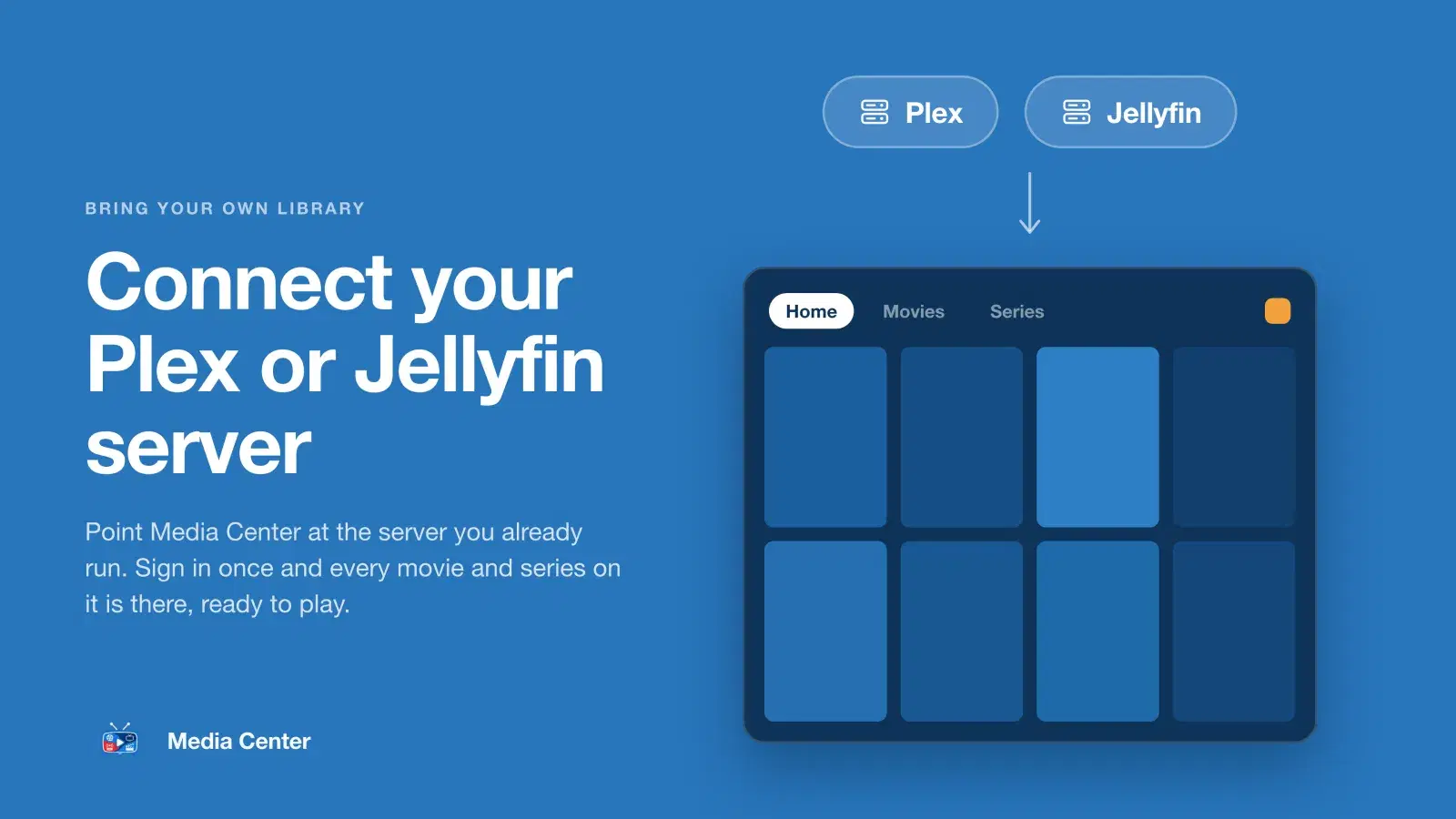
Media Center is one of those clients. It is not a server and ships no content: it plays the Jellyfin server you already run on Apple TV, iPhone, iPad, Android phones and tablets, and Android TV and Google TV. It can also play a Plex server at the same time, for example movies from one server and series from the other. Each person in your household gets a profile with their own Continue Watching and My List, kids profiles see only titles with the content ratings you allow, and video streams straight from your server, never through ours.
Device-specific walkthroughs: how to watch Jellyfin on Apple TV and how to watch Jellyfin on Android TV.
Where did Jellyfin come from, and what version is current?
Jellyfin started in December 2018 as a community fork of Emby, another media server; the project's documentation says it descends from Emby's 3.5.2 release. It has been developed by volunteers ever since, and it has no tracking or phone-home and no central servers collecting your data.
For years versions were numbered 10.x. Jellyfin 10.11, released in October 2025, rebuilt much of the server's database layer. The next major release, in September 2026, was named Jellyfin 12.0: the project dropped the leading "10" so that major releases look major. Point releases have followed. Upgrading to 12 requires being on 10.10.7 or any 10.11 release first, and the release notes ask for a full backup and a fresh library scan.
Is Jellyfin right for you?
- Yes, if you want a media server you fully own, with no vendor account, no subscription and every feature included.
- Maybe not yet, if you want remote access that configures itself and polished first-party apps on every device; Plex is easier there.
- Both, if you cannot decide. Plenty of households run Jellyfin and Plex side by side; see how to use Plex and Jellyfin together.