
A media server full of films is great for grown-ups and a minefield for kids. Here is how to give children their own profile that shows only titles with the content ratings you allow — across Plex and Jellyfin, on every Apple TV, Android TV, iPhone, iPad and Android phone or tablet in the house.
How kids profiles work in Media Center
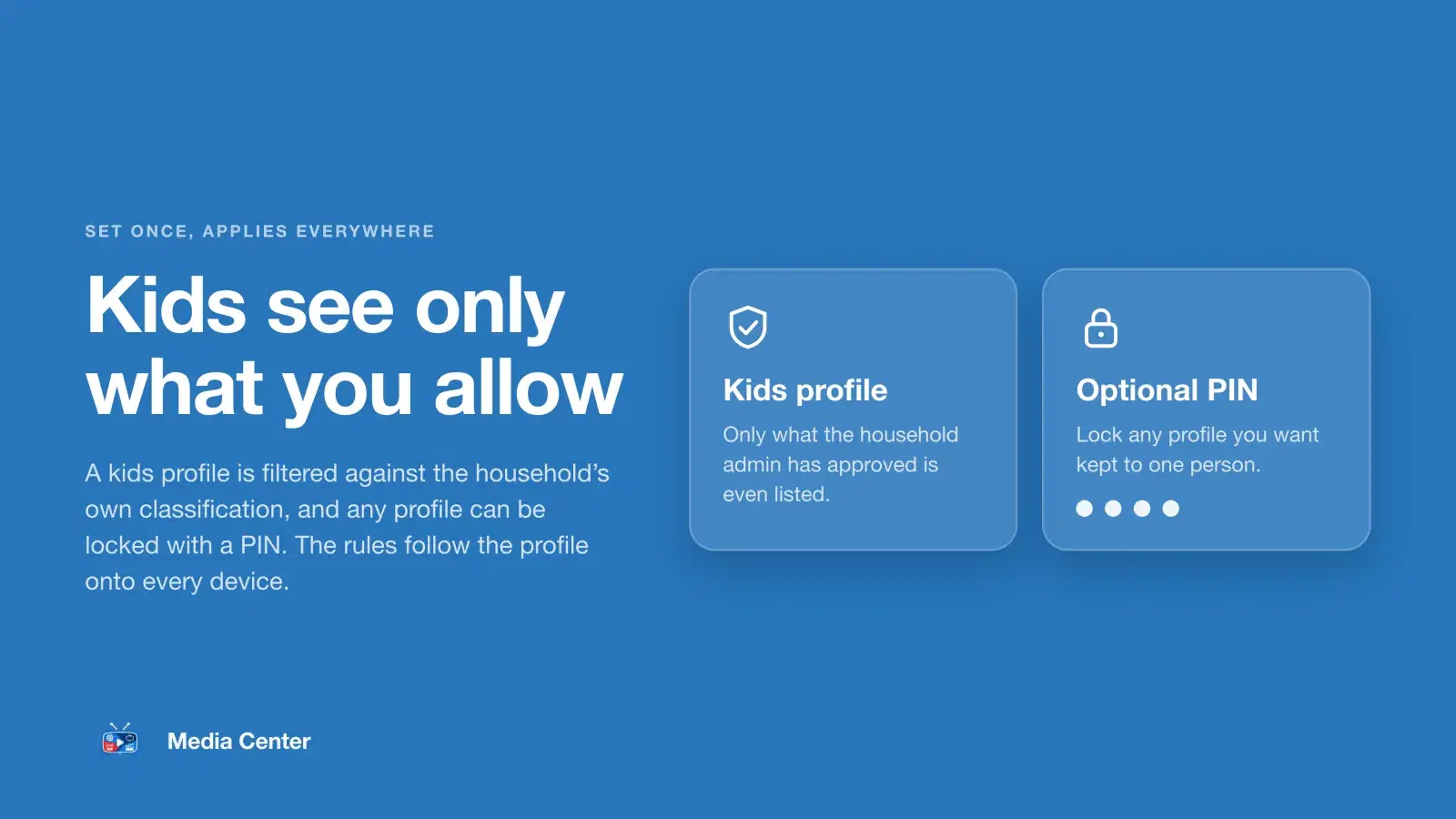
Every person in a household can have their own profiles, and each profile is either Normal or Kids. A kids profile is judged by content rating, not genre — an animated show can still be TV-MA. Each title's US rating comes from your server's own data and from TMDB; when both are known, the stricter one decides, and a title with no rating stays hidden. You set the rules once, on the web, and they apply on every device.
- Home screen: only titles with an allowed rating.
- Catalogs and search: everything except titles your server itself marks with a rating you did not allow.
- Each title's page says “Available for kids profiles” or “Not available for kids profiles”, with the rating, and Play only works when it is available.
Set it up in five steps
- Open Kids in the dashboardIn the Media Center web dashboard, open Kids. This is where you decide what every kids profile in your households may watch.
- Tick the ratings kids may watchTick the US content ratings a kids profile may see. Movies: G, PG, PG-13. TV shows: TV-Y, TV-Y7, TV-G, TV-PG, TV-14. G, TV-Y and TV-G are on to start with. R, NC-17 and TV-MA are never offered for kids. Save.
- Add a TMDB key for better coverageUnder Integrations, add a TMDB API key. Media Center then also checks each title's US rating on The Movie Database, so fewer titles go unrated.
- Create the kids profile in the appOn Apple TV, Android TV, iPhone, iPad or an Android phone or tablet, add a profile from the profile picker and set its mode to Kids. It follows the ratings you ticked straight away.
- Add a PIN to the grown-up profilesGive any profile an optional four-digit PIN so a child cannot simply switch into it.
Tips
- Ratings are US film ratings (G, PG, PG-13) and US TV ratings (TV-Y, TV-Y7, TV-G, TV-PG, TV-14). Starting from G, TV-Y and TV-G and adding more as children grow is the simplest approach.
- A TMDB key under Integrations means titles your server has no rating for can still be rated, so they are not hidden needlessly.
- Each kids profile has its own Continue Watching, separate from the grown-ups'.
- New to Media Center? Start with sharing your server with your family.