
The best Plex client depends on what you want most: Infuse leads on file-format support on Apple devices, the official Plex app gets new Plex features first, Plezy is open source and runs nearly everywhere, and Media Center adds Jellyfin and household profiles in one app. All four play the Plex Media Server you already run — you are choosing an app, not a new server.
What is the best Plex client for Apple TV and Android TV?
A Plex client is any app that connects to your Plex Media Server and plays what is on it. Plex makes its own, but because the server exposes your library to approved apps, you can pick a different player without touching your files, your metadata or your server settings. The short answer:
- Best for format support on Apple TV: Infuse. It plays a very wide range of files without transcoding, with Dolby Vision and Atmos in Infuse Pro. Apple devices only.
- Best for every Plex feature: the official Plex app. It is first-party, on almost every device, and new Plex features land there first.
- Best open-source option: Plezy, on Apple TV, Android TV, phones and desktops.
- Best for a household with Plex and Jellyfin: Media Center, on Apple TV, iPhone, iPad, Android TV and Android phones and tablets, with kids profiles and family sign-in managed from a web dashboard.
Plex client apps compared
| Plex (official) | Infuse | Plezy | Media Center | |
|---|---|---|---|---|
| Apple TV | Yes | Yes | Yes | Yes |
| iPhone and iPad | Yes | Yes | Yes | Yes |
| Android TV / Google TV | Yes | No | Yes | Yes |
| Android phones and tablets | Yes | No | Yes | Yes (Android 7.0 or later) |
| Also plays Jellyfin | No | Yes | Yes | Yes, in the same app, alongside Plex |
| Price model (as published) | Free app; streaming at home is free; remote streaming needs Plex Pass or a Remote Watch Pass | Free download; Infuse Pro is $1.99/month, $16.99/year or $99.99 lifetime (US App Store) | $5.99 on the App Store and Google Play (US); source code is open (GPL-3.0) | Plan set by the household administrator on the web |
| Profiles and kids | Plex Home managed users and parental controls (see plex.tv/plans for which plan includes them) | Profiles on Apple TV and Mac, each with its own parental controls; Plex Home users | Multiple profiles with per-profile settings; switch Plex Home users with an optional PIN | Household profiles from a web dashboard; kids profiles see only titles with approved content ratings; optional 4-digit PIN |
| Sign-in | Plex account; the TV shows a 4-character code to enter at plex.tv/link | Plex account for Plex; a direct server login for Jellyfin | Plex account; Jellyfin login or Quick Connect | Invited email; the TV shows a QR code to scan with your phone, or use an emailed one-time code. No Plex account needed |
| Notable strengths | First-party, on almost every device; new Plex features arrive here first | Very wide file-format support without transcoding; Dolby Vision and Atmos with Pro | Open source; runs on TVs, phones and desktops; offline downloads; Watch Together | Plex and Jellyfin in one app with content routing; household and kids rules managed in one place |
Prices and features are as each developer published them in October 2026 and can change; check the store listing before you buy. For Plex's own current plans, see plex.tv/plans.
Why are people moving away from the Plex app?
Mostly two changes, and neither is about Plex Media Server itself, which remains one of the easiest ways to organize a personal library.
- Remote streaming became a paid feature. In March 2025 Plex announced that, from April 29, 2025, streaming personal media outside your home network needs a Plex Pass or the new Remote Watch Pass; streaming on your home network stays free (Plex blog). Plex rolled enforcement out app by app, and told 9to5Mac it would reach Apple TV, Android TV and third-party clients that use its API in 2026.
- The apps were redesigned. Plex rebuilt its apps as the “new Plex experience”. Some longtime users prefer the old layout — early feedback on the redesigned Apple TV app on Plex's own forum asked for a more native feel — while others are happy with it.
Be clear about what switching apps does and does not change. A different client can give you a layout, profile system or format support you prefer. It is not a way around Plex's remote-streaming rules, which are set by Plex for your account. If cost is the real concern, the other path is a second server — see Jellyfin vs Plex.
Is there an official Plex app for Apple TV and Android TV?
Yes. Plex publishes its own app for Apple TV, Google TV and Android TV, iOS, Android, and many smart TVs and consoles. On a TV you sign in by entering a 4-character code at plex.tv/link from your phone or computer. It is the only app on this page made by Plex, so it is where new Plex features appear first, and it handles Plex Home managed users and parental controls natively. Its limits are the ones above: it plays Plex only, and its remote-streaming rules follow your Plex plan.
Is Infuse a good Plex client?
On Apple devices, Infuse is widely regarded as one of the best. Firecore builds it for iPhone, iPad, Apple TV, Mac and Vision Pro, and it signs in to your Plex account and to a Jellyfin server directly. Its strength is playback: it handles a very wide range of video and audio formats without asking the server to transcode, and Infuse Pro adds Dolby Vision, Dolby Atmos and lossless audio. Profiles on Apple TV and Mac each get their own parental controls, and it supports Plex Home users.
The trade-off is reach: there is no Infuse for Android or Android TV, so a household with mixed devices needs a second app. The base app is a free download; Infuse Pro costs $1.99 a month, $16.99 a year or $99.99 lifetime on the US App Store.
What is Plezy?
Plezy is the open-source Plex client many people find when they search for a “Plex alternative”. Its GitHub project is licensed GPL-3.0 and lists iPhone, iPad, Apple TV, Android, Android TV, macOS, Windows and Linux. It plays Plex and Jellyfin, can browse several servers at once, offers offline downloads and Watch Together, and supports multiple profiles plus Plex Home user switching with an optional PIN. On the App Store and Google Play it sells for $5.99 in the US.
Plezy suits people who want an open-source app and the same player on their TV, phone and computer. Like any client, each person signs in to the servers themselves, and profiles are kept in the app or in Plex Home rather than in a separate family dashboard.
Media Center: a Plex client that also plays Jellyfin
Media Center is a player for the Plex and Jellyfin servers you already run, on Apple TV, iPhone and iPad (one App Store download) and Android phones, tablets, Android TV and Google TV (one Google Play download). It ships no content of its own. Where the other apps on this page start from one person's login, Media Center starts from the household:
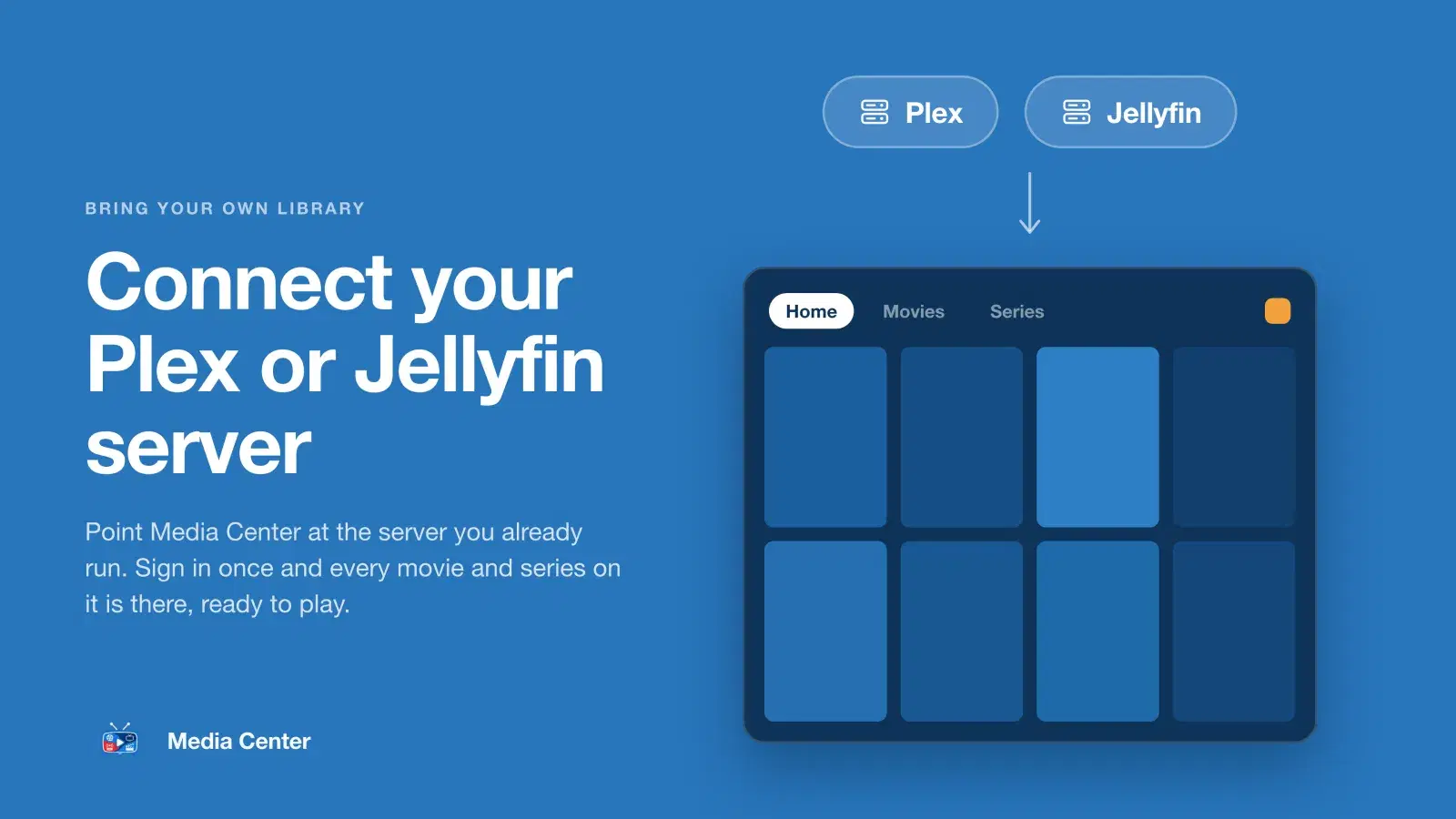
- Plex and Jellyfin in one app. Connect both, and choose which serves movies and which serves series. See Plex and Jellyfin together.
- Profiles from a web dashboard. The administrator invites each household by email. Every profile keeps its own Continue Watching and My List, and family members never need a Plex account of their own.
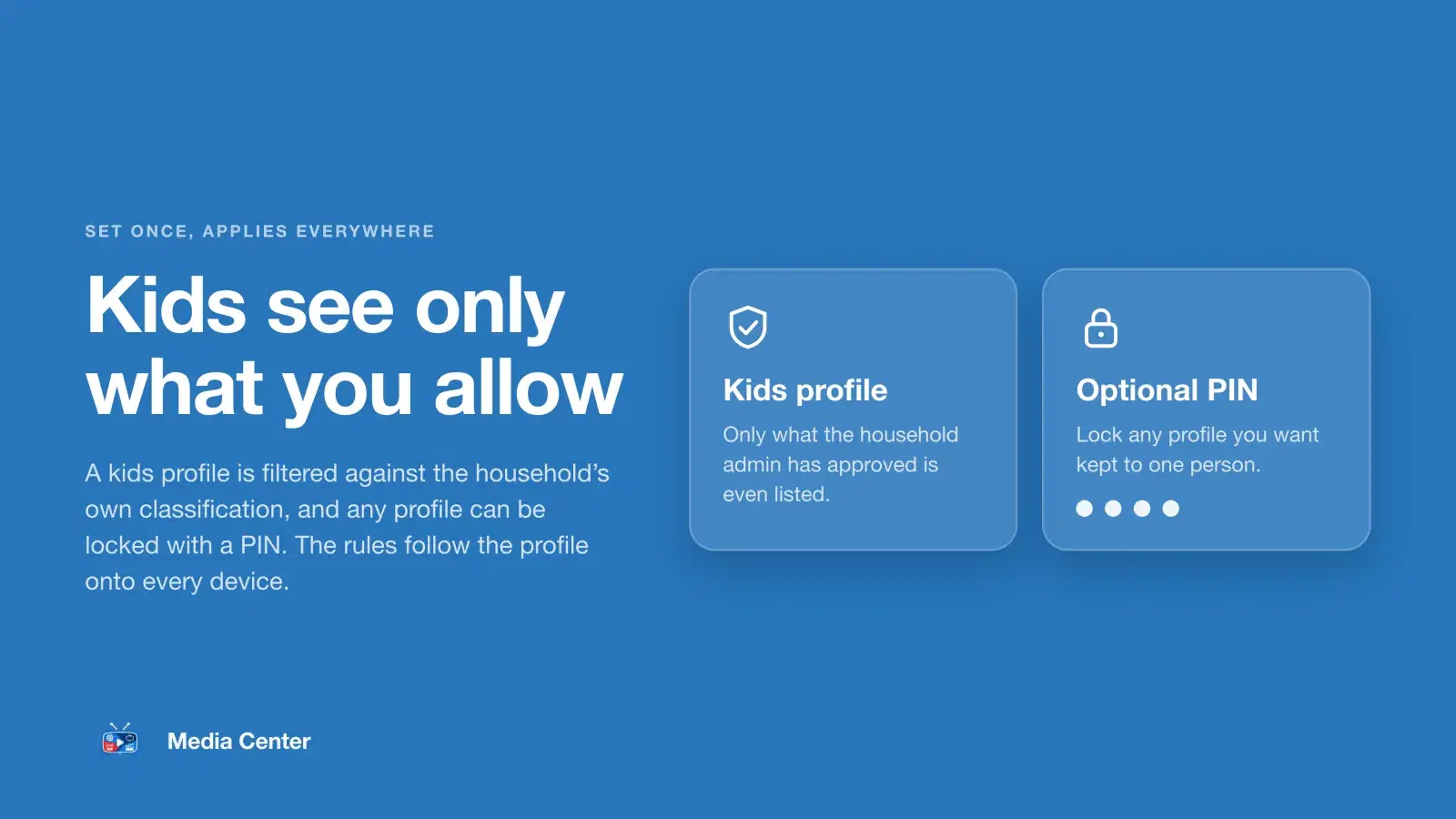
- Kids profiles. A kids profile sees only titles with the content ratings you allow, and any profile can have an optional 4-digit PIN.
- QR sign-in on the TV. Scan the code with your phone instead of typing on the remote, or use an emailed one-time code.
- Straight from your server. Video streams directly from your server over HTTPS, never through Media Center's servers.

It is not for everyone. Media Center is invitation-only, needs your server reachable over HTTPS, and has no offline downloads or Mac app. If a home theater with demanding file formats is your priority on Apple TV, Infuse is the specialist. Setup guides: Plex on Apple TV, iPhone and iPad and Plex on Android TV.
How to choose the best Plex client
- Which devices does your household use? All-Apple homes can choose any of the four. If anyone watches on Android TV or an Android phone, Infuse is out.
- Do you run, or plan to run, Jellyfin? The official Plex app plays Plex only. Infuse, Plezy and Media Center play both.
- Who manages the family? If one person sets up everyone else, including children, a dashboard with invitations and kids profiles saves a lot of remote-control typing. If everyone manages their own login, a per-person app is simpler.
- How demanding are your files? If your library leans on formats your TV struggles with, Infuse's player is hard to beat on Apple TV.
- Do you value open source? Plezy is the only open-source option here.
- Do you need offline downloads? Plezy offers them, and Plex lists downloads among its plan features; Media Center does not.
Nothing stops you trying more than one: every app here connects to the same server, so you can install two, use both for a week, and keep the one your household actually uses. Media Center is on the App Store for Apple TV, iPhone and iPad and on Google Play for Android and Android TV.