
The best Jellyfin client for Apple TV depends on what you value: Swiftfin is free and open source, Infuse plays the widest range of formats, and JellyTV, Reefy and Moonfin each take a different design approach. If your household also runs Plex or needs kids profiles, Media Center plays both servers in one app. Here is how the six compare.
Is there a Jellyfin app for Apple TV?
Yes — several. The Jellyfin project's downloads page lists an official app for iPhone and iPad (Jellyfin Mobile) but none for Apple TV, so on tvOS you choose from clients built by others. Swiftfin is developed in the Jellyfin project's own GitHub organization; Infuse, JellyTV, Reefy, Moonfin and Media Center are independent apps. Every one of them plays a Jellyfin server you already run — none ships movies or shows of its own.
We opened each app's App Store listing and its official site or GitHub repository in October 2026 and compared only what they publish. Prices and minimum tvOS versions change, so check the listing before you buy.
Jellyfin Apple TV apps compared
| Swiftfin | Infuse | JellyTV | Reefy | Moonfin | Media Center | |
|---|---|---|---|---|---|---|
| Apple devices | Apple TV, iPhone, iPad | Apple TV, iPhone, iPad, Mac, Vision Pro | Apple TV, iPhone, iPad, Mac, Vision Pro | Apple TV only | Apple TV, iPhone, iPad, Mac | Apple TV, iPhone, iPad |
| Plays Plex too | No | Yes | No | No | No | Yes — both at once |
| Open source | Yes (MPL-2.0) | No | No public source listed | Yes (MPL-2.0, a Swiftfin fork) | Yes (GPL-2.0) | No |
| Price model (as published) | Free | Free download; Infuse Pro $1.99/month, $16.99/year or $99.99 lifetime | Free; JellyTV+ $2.49/month, $17.99/year or $49.99 lifetime | Paid up front on the App Store | Free | Plan set by the household administrator on the web |
| Household and kids profiles | Switch between Jellyfin users; limits come from the server | Profiles on Apple TV with their own history and parental controls | Multiple Jellyfin user profiles; family features with JellyTV+ | Switch between Jellyfin users (from Swiftfin) | Uses your Jellyfin users | Household profiles and kids profiles, managed from a web dashboard |
| Signing in on the TV | Password or Jellyfin Quick Connect code | Server address and account | Server address and account | Password or Jellyfin Quick Connect code | Password or Jellyfin Quick Connect code | Scan a QR code with your phone, or an emailed one-time code |
| Stands out for | Native Swift app under the Jellyfin GitHub organization | Widest format support: Dolby Vision, HDR10+, Atmos passthrough | Polished design, offline downloads, wide Apple device reach | A living-room interface built only for Apple TV | One app across Apple and Android devices, offline downloads | Plex and Jellyfin in one app, with profiles your household shares |
Quick Connect is Jellyfin's own sign-in: the TV shows a short code that you approve from another device already signed in to your server. Media Center's QR sign-in works differently — you scan the code with your phone's camera and sign in on the page that opens.
Swiftfin: the open-source Jellyfin client
Swiftfin is a free, native Swift app for iPhone, iPad and Apple TV, released under the Mozilla Public License 2.0. Its README describes it as built "to maximize direct play", with a VLC-based player alongside a native one, and it lets you switch between the users on your Jellyfin server and sign in with Quick Connect. Because it talks only to Jellyfin, limits for children are set per user in Jellyfin's own dashboard.
Trade-off: the current release requires tvOS 26.1 or later and a recent Jellyfin server, and it is Jellyfin only. If you want the reference open-source experience and keep your server up to date, start here.
Infuse: the widest format support
Firecore's Infuse is a general-purpose video player that connects to Plex and Jellyfin servers as well as network shares and cloud drives. Its standout is playback: Firecore lists Dolby Vision (profiles 5 and 8), HDR10, HDR10+ and HLG, plus Dolby Atmos passthrough. Since version 8.2, Infuse on Apple TV has profiles with their own home screen, watched history and parental controls.
Trade-off: many of those strengths sit behind Infuse Pro, at $1.99 a month, $16.99 a year or $99.99 for life, per firecore.com, and the Jellyfin connection is one of many sources rather than the app's focus. If your files are demanding and you have a home theater, Infuse is hard to beat.
JellyTV: a polished Jellyfin-only app
JellyTV, by developer Charly Manderrier, is a Jellyfin client for iPhone, iPad, Apple TV, Mac and Apple Vision Pro. It is free to download, with offline downloads and multiple Jellyfin user profiles; the optional JellyTV+ ($2.49 a month, $17.99 a year or $49.99 for life on the App Store) adds customization, iCloud sync and family features.
Trade-off: it needs the 26 releases of Apple's operating systems and plays Jellyfin only.
Reefy: built only for Apple TV
Reefy is a fork of Swiftfin, rebuilt around the living room. Its App Store listing says "Only for Apple TV", and it offers VLC-based playback, surround passthrough and remote-first navigation. The source is on GitHub under the same MPL-2.0 license as Swiftfin.
Trade-off: it is a paid, independent project with no iPhone or iPad app, and it requires tvOS 26.1 or later. If you only watch on Apple TV and like Swiftfin's core but want a different interface, it is worth a look.
Moonfin: one Jellyfin app on every device
Moonfin is a free, GPL-2.0 Jellyfin client built with Flutter from a single codebase. On Apple devices it runs on iPhone, iPad, Mac and Apple TV, and the same project publishes Android and Android TV builds. Its README lists offline downloads, Quick Connect sign-in and support for more than one server.
Good to know: it asks only for tvOS 17 or later, a lower bar than Swiftfin, Reefy or JellyTV, but it does not play Plex. If your household is split between Apple and Android, it keeps the experience consistent.
Media Center: a Plex and Jellyfin client for households
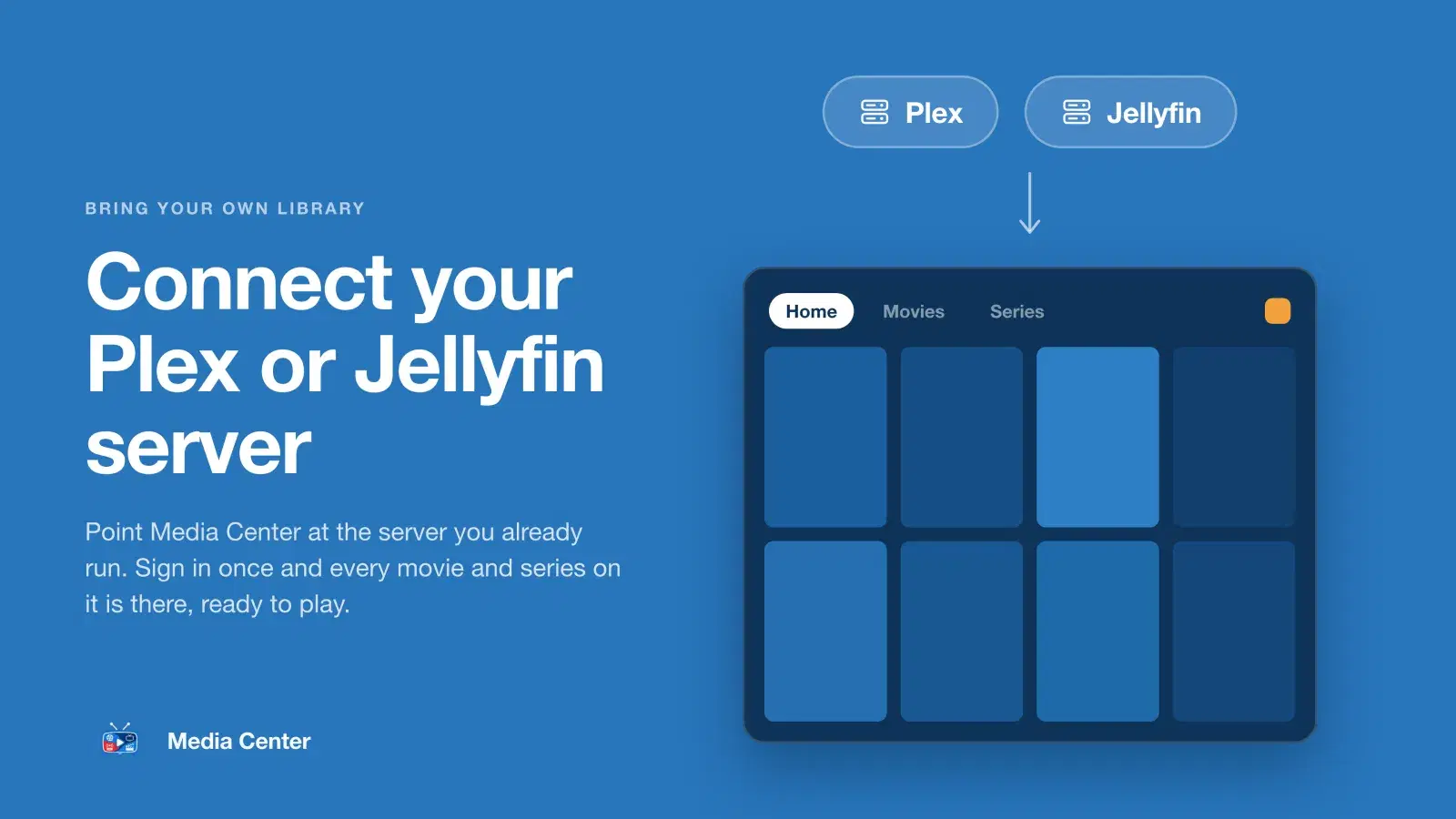
Media Center is a client for the Plex and Jellyfin servers you already run, on Apple TV, iPhone and iPad from one App Store download (and on Android and Android TV from Google Play). It can use both servers at once — movies from one, series from the other — so a household moving between Plex and Jellyfin does not have to change apps.
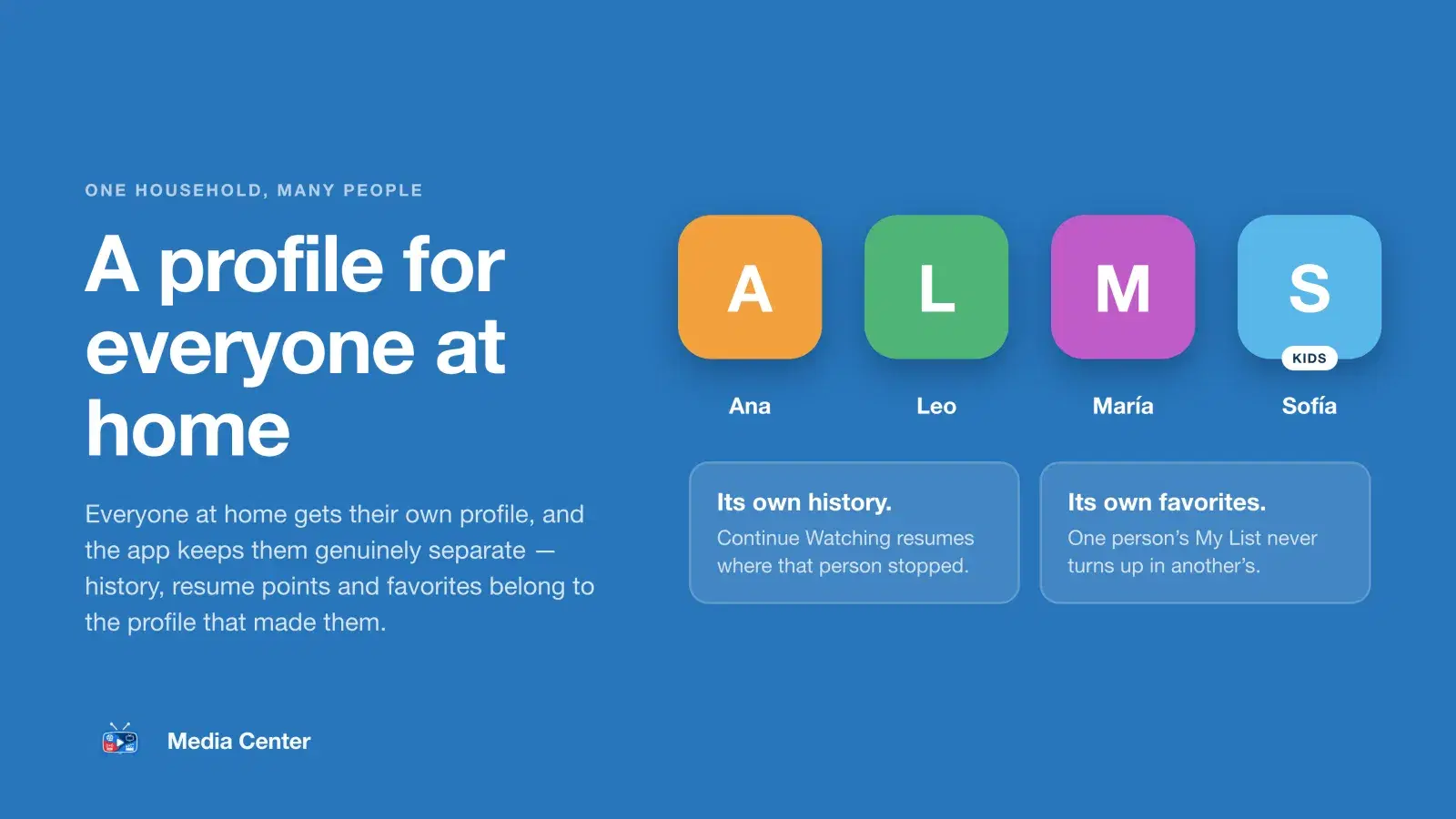
What sets it apart is the household layer. An administrator connects the servers and invites each person by email from a web dashboard. Everyone gets their own profile with their own Continue Watching and My List, kids profiles see only titles with the content ratings you allow, and any profile can have an optional four-digit PIN. On Apple TV, signing in is a QR code you scan with your phone, or a one-time code sent by email.
Video streams straight from your server over HTTPS, never through Media Center's servers. The player lets you choose audio and subtitle tracks, shows the time remaining on the scrubber and offers Skip Intro where your server has intro markers.
Trade-off: it is not open source, it needs your server on an HTTPS address, and it is invitation-only — nobody signs up inside the app. If you want Infuse-style format support or offline downloads, one of the apps above is a better fit.
How to choose a Jellyfin client for Apple TV
- You want free and open source: Swiftfin, or Moonfin if you also need Android builds. Reefy is open source too, but paid.
- You care most about picture and sound: Infuse with Infuse Pro, for Dolby Vision, HDR10+ and Atmos passthrough.
- You want to download for the road: JellyTV or Moonfin, which both list offline downloads.
- You only ever watch on Apple TV: Reefy is designed for nothing else.
- You run Plex and Jellyfin, or are moving between them: Infuse or Media Center. Media Center can serve movies from one and series from the other in a single home screen — see how to use Plex and Jellyfin together.
- You are setting it up for a whole household with kids: Media Center, where profiles, kids limits, PINs and invitations are managed from one web dashboard instead of on each TV.
Whichever you pick, try it with your own files first. Swiftfin, Infuse, JellyTV and Moonfin are free to download, and the honest test is whether your library plays smoothly on your Apple TV.
Does a Jellyfin client on Apple TV need anything from the server?
Every client needs your Jellyfin server reachable from Apple TV, and the newest Swiftfin and Reefy releases ask for a recent Jellyfin version. To watch away from home you need a public address; Media Center also requires HTTPS with a real certificate. Our step-by-step guide to Jellyfin on Apple TV covers the server side and sign-in, and the Apple TV page shows what Media Center looks like on iPhone, iPad and Apple TV.